Editing A Page
- Simple Way
- Alternate Way
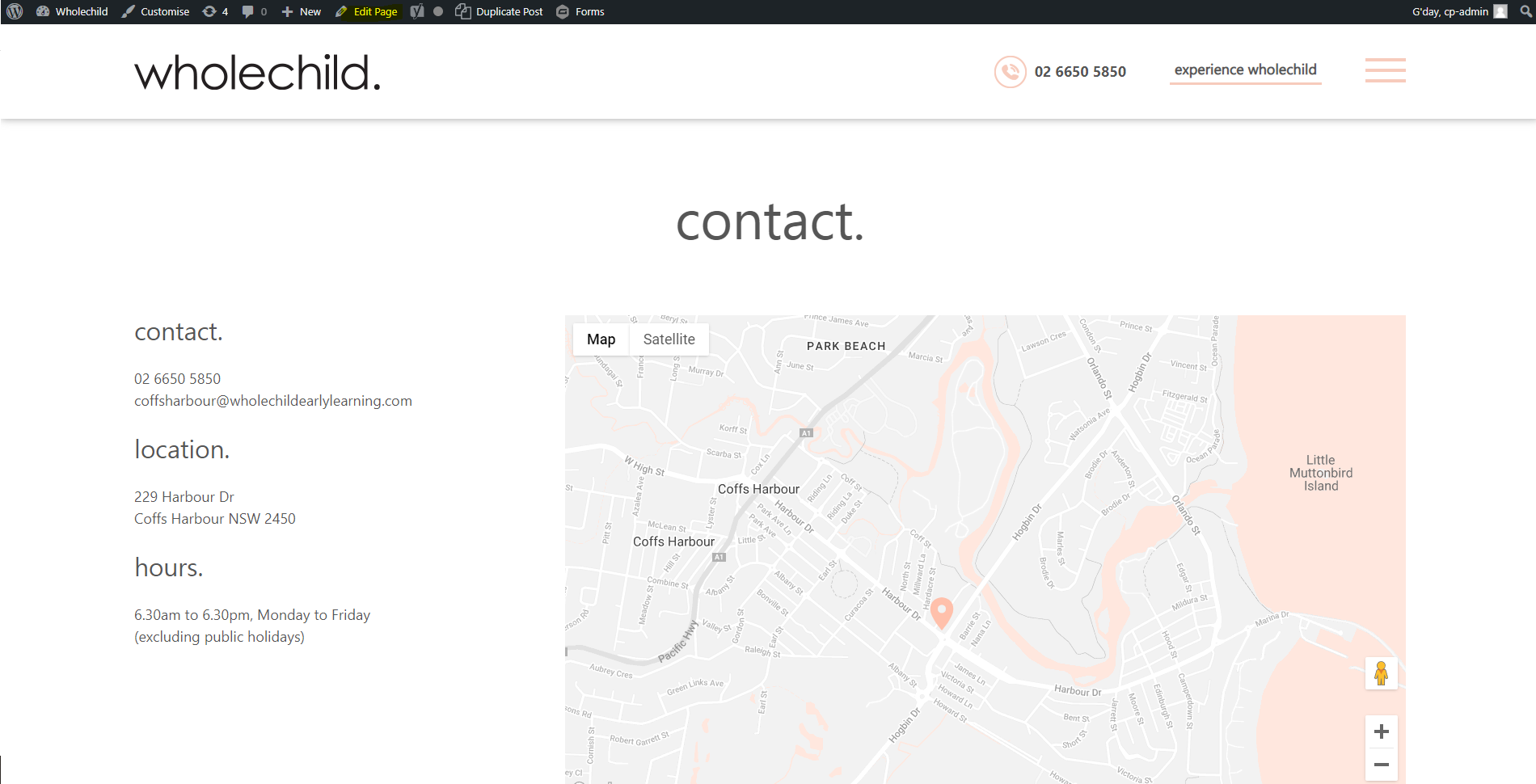
To edit a page first make sure you logged in and then navigate to the page you wish to change. Once on the page, there is a black bar at the top of the screen click the edit page button
This will take you to another page where there is a text box where you can edit the text on the page and update images etc. Once you're finished hit the update button to update your website.
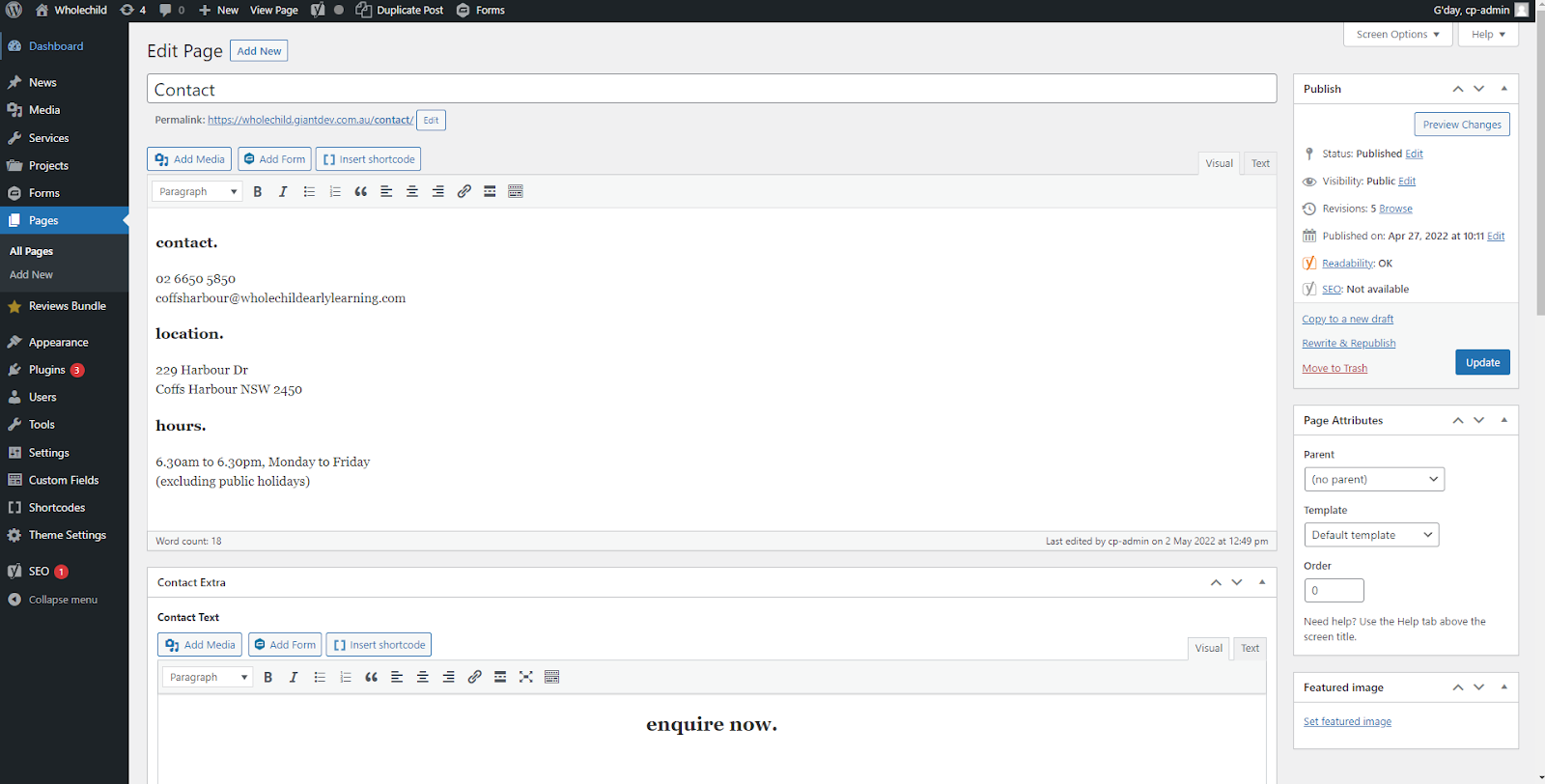
The video below is a quick example of how to edit the phone number on a contact page.